A contactless payment terminal gives you a fast, real-world way to check whether an RFID-blocking wallet or sleeve stops a tap-to-pay read. Here is how to run the test properly, what it proves, and what it cannot tell you.
What Does an RFID Blocking Test With a Payment Terminal Actually Show?
A payment-terminal test answers one narrow question: with your contactless card sitting inside the wallet, can a live reader still energize the chip and complete a read? That's a genuinely useful signal, since it mirrors the exact 13.56 MHz NFC setup your card meets at checkout. Just don't mistake it for a lab certificate. A failed read at the register only tells you the shielding worked in that spot, at that angle, with that terminal's power output. It says nothing about how much energy the material absorbs, or whether a stronger reader could push through.
This test matters because most shoppers mix up two different technologies. RFID is the broad umbrella term for radio-wave identification—the stuff used in badges, access cards, some IDs, and inventory tags. NFC is the short-range subset that actually powers tap-to-pay cards and mobile wallets like Apple Pay and Google Pay. Here in the US, when someone says "RFID card," they almost always mean an NFC payment card. So a terminal test is really an NFC shielding test—and honestly, that's the threat model most people actually care about.
Step-by-Step: Tapping a Shielded Card at a Contactless Terminal
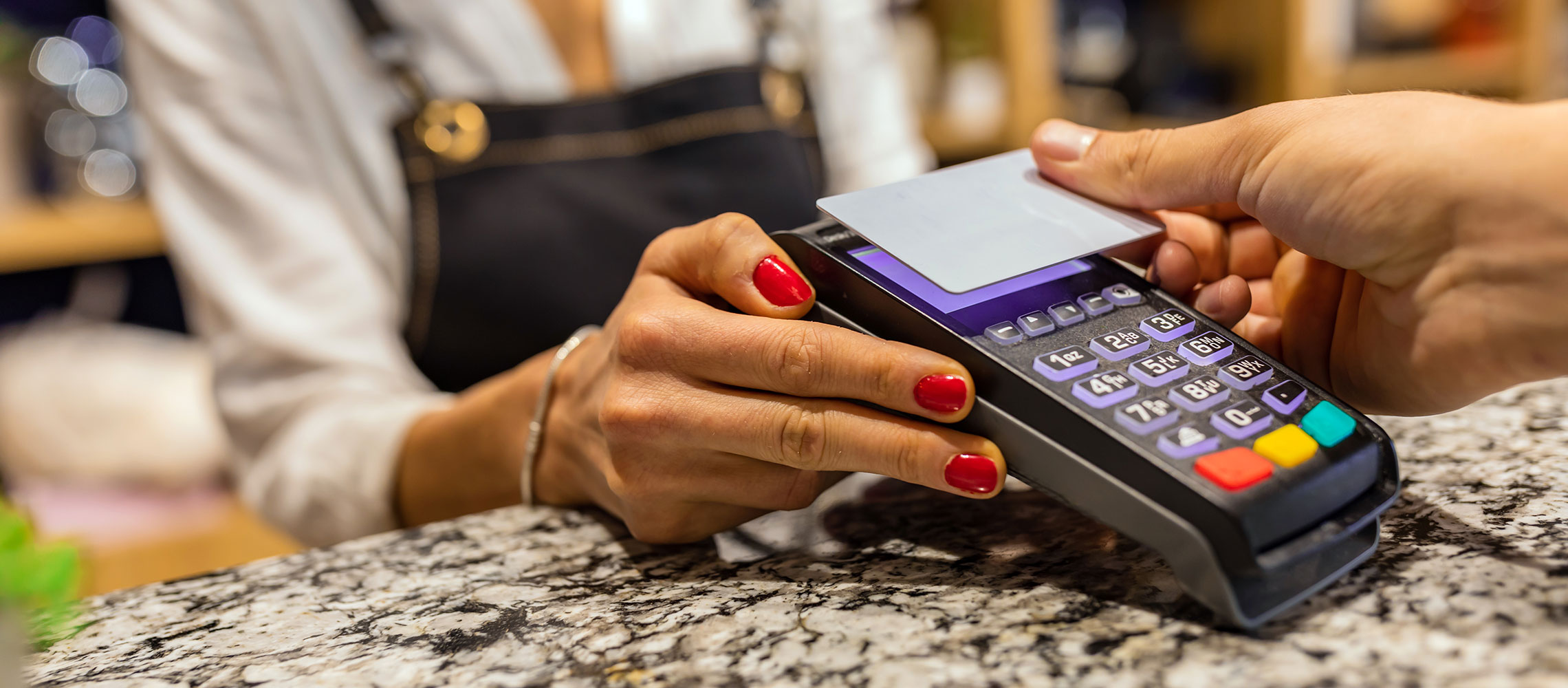
This is the routine I follow, and it takes maybe two minutes at a self-checkout lane. What matters most is that you copy how the card really sits in the wallet day to day—if it slides half out of the sleeve, it's not shielded anymore, so the test tells you nothing. Tap three times, turning the wallet between tries, so you're not just getting lucky with one perfect angle.
| Step | Action | What to Watch For |
|---|---|---|
| 1 | Find a contactless payment terminal, such as a self-checkout lane or a PayPass reader at a retail store | The contactless symbol and a lit NFC zone |
| 2 | Place the RFID-enabled card fully inside the wallet or sleeve, exactly as you normally carry it | No corner of the card poking out |
| 3 | Initiate a transaction and tap the closed wallet on the reader | An error, a "present card" prompt, or no beep |
| 4 | Repeat three times, flipping and rotating the wallet each time | Consistent failure across orientations |
| 5 | Remove the card and tap it bare to confirm the terminal works | A normal approved or declined read |
Step 5 is the control most people skip, yet it's the one that makes the whole test mean anything. If the bare card fails too, you've learned nothing about the wallet—maybe the terminal is offline, the card is damaged, or the reader is just finicky. Blocking is only proven when the bare card reads cleanly and the shielded card doesn't. With strong shielding, expect tap-to-pay to be impossible while the card stays inside, which means you'll have to pull the card out at checkout. That friction is the point, not a defect.
If you'd rather not start a transaction just to test your wallet, an access control station can work as an alternative. Badge readers at an office door or gym energize the same 13.56 MHz field, so they'll often refuse a shielded card too. The catch is that a failed read doesn't tell you much on its own—you can't always tell whether the shielding did the work or the reader was never going to accept your payment card in the first place.
RFID vs NFC: What You Are Really Testing
That distinction matters more than it might seem. A contactless payment card is a passive device—no battery, no power of its own. It only responds when a reader's field gets close enough to energize the chip inside it. In practice, that range is about 1 to 4 centimeters, which is exactly why a skimmer would have to get uncomfortably close to your pocket to pull anything off. So when you tap a wallet at a terminal, what you're really testing is whether the conductive layer—usually carbon fiber or metal mesh—disrupts that field enough to leave the chip without power.
That's also why the test tells you pass or fail on communication, not how strong the shielding is. The card either wakes up and finishes a millisecond-long encrypted exchange, or it doesn't. Modern cards send a fresh dynamic code for every transaction and never transmit your CVV or billing address over the air, so even an intercepted exchange isn't worth much to a thief. Once you know that, your result gets easier to read: a blocked tap is good hygiene, not proof you were minutes away from fraud.
How Reliable Is a Live Terminal Compared With a Reader or Lab Test?
Testing at a live terminal is convenient, sure, but it's far from perfect. Results can shift depending on where the card sits inside the wallet, how you hold the wallet, how flat you press it against the reader, and even how much transmit power that particular terminal puts out. There's also the awkward part: you're starting a real transaction, which isn't exactly fun at a busy register, and you're only sampling one moment in time. If you want something more rigorous, measure the distance at which a shielded card still gets detected and compare that to the same card with no protection, using an RFID reader and an antenna tuned to the tag's frequency.
Professional testing tends to follow that same basic model. In something like a UL Solutions-style evaluation, a 13.56 MHz RFID transmitter is used: the card gets read on its own first, then it goes inside the wallet or sleeve and gets read again. That gives you a repeatable before-and-after result instead of one anecdote from a checkout line. A smartphone with an NFC reader lands somewhere in the middle. Apps and the phone's own scanning can report "card not detected" through the shielding, which makes for a quick sanity check you can run right at your desk.
What RFID Blocking Does and Does Not Protect Against
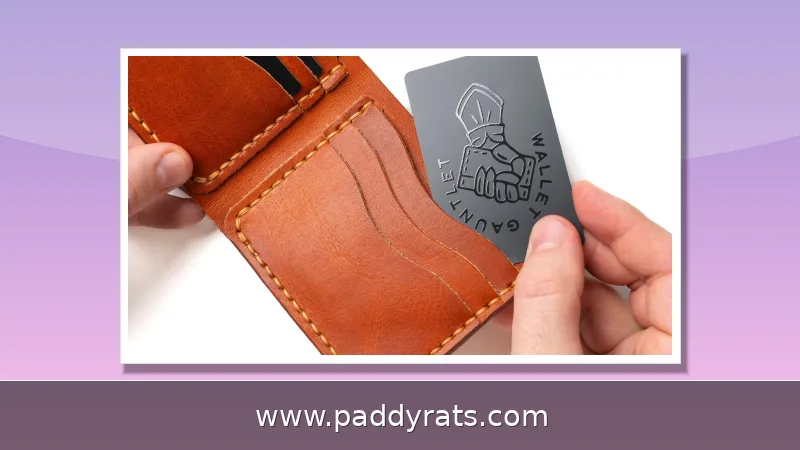
Blocking material reduces unauthorized proximity reads of contactless RFID and NFC cards when the card is fully inside the shielded area. That is the whole benefit, and it is a real one for frequent travelers, crowded commuters, and anyone carrying several contactless cards plus a passport or passport card. ePassports and some Enhanced Driver's Licenses use RFID-related technology, so a shielded sleeve can be a practical travel add-on rather than a gadget.
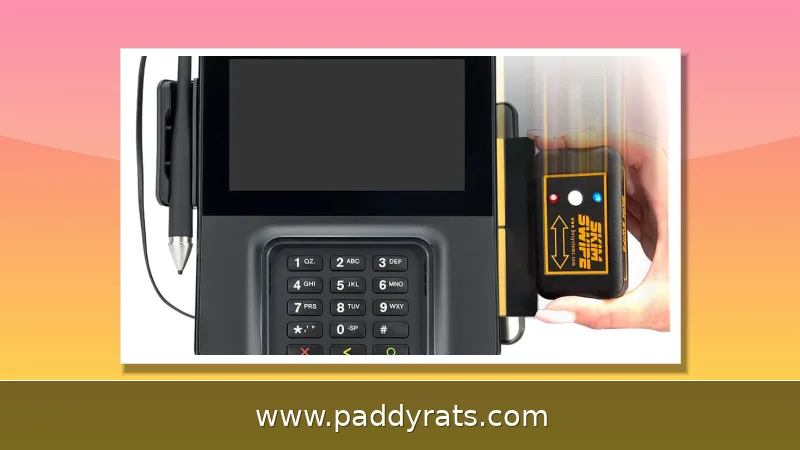
What it does not do is just as important. It will not stop online card theft, data breaches, phishing, or someone physically taking your wallet. It does nothing against magstripe skimmers planted on ATMs or gas pumps, which read the magnetic stripe rather than the contactless chip. If your threat model is a compromised online merchant or a convincing phone call from a "bank fraud department," an RFID wallet is irrelevant to the outcome.
The risk context is worth stating plainly. Researchers have demonstrated RFID skimming under controlled laboratory conditions, but law enforcement agencies report virtually no documented cases in the wild. The UK's National Fraud Intelligence Bureau and industry experts describe RFID fraud as a negligible fraction of card crime. Actual losses overwhelmingly trace to data breaches, phishing and social engineering, physical card theft, terminal skimmers, and compromised online merchants.
Common Mistakes and Limitations When Testing at Checkout
The most common mistake is testing a card that is not fully seated in the shielded pocket. A card half in and half out will read every time, and people conclude the wallet is fake. The second is skipping the bare-card control, which leaves you unable to distinguish a broken terminal from working shielding. The third is testing once. A single failed tap in one orientation is weak evidence; three taps with rotation is a reasonable minimum.
There is also a conceptual trap: people expect the wallet to defeat every reader everywhere. In practice, a stronger reader, a thinner section of the shield, or a card pressed against an unshielded seam can all change the result. And a successful block at checkout says nothing about a hidden reader designed to interrogate the chip at close range with different parameters. Treat the terminal as a quick field check, not a certification.
Do You Actually Need RFID Blocking for Your Cards?
For most people, the honest answer is that it is cheap insurance against a threat that is close to nonexistent. Documented real-world RFID skimming cases are extremely rare, and modern payment systems layer encryption, per-transaction dynamic codes, and minimal data transmission on top of the short read range. From a criminal's perspective, RFID skimming offers a poor return compared with buying bulk stolen card data from a breach.
That said, I still use a shielded sleeve when I travel with a passport card and multiple contactless cards in one bag. The cost is low, the friction is manageable once you build the habit of removing the card at checkout, and it removes one small what-if from the list. If you already own a blocking wallet, the terminal test above is worth five minutes, if only to confirm the product does what the packaging claims.
What Do Brands and Testers Say About RFID Blocking Tests?
Several wallet makers publish their own test write-ups, including Yukon Bags, Paperwallet, Andar, Innovative Haus, Blikai, GoDark Bags, Veto Propac, TravelGear, Lowry Solutions, and Proof Wallets. The better ones show the before-and-after read on the same card and name the frequency used. Video demonstrations circulate too, including YouTube clips titled "RFID Blocking" and "Testing RFID BLOCKING Card Does it Work??", plus an Australian traveler testing a blocking wallet at a contactless terminal referenced by TravelGear.
Read those tests with the same skepticism you would apply to any vendor content. A brand demonstrating that its own product blocks a read is a useful data point, not an independent audit. The strongest evidence combines a live terminal failure, a bare-card control, and ideally a measured read-distance comparison at 13.56 MHz. If a product page shows none of that, the claim is marketing until you verify it yourself.
Frequently Asked Questions
How do I test an RFID blocking wallet at a payment terminal?
Place your contactless card fully inside the wallet as you normally carry it, then tap the closed wallet at a contactless payment terminal. Repeat three times and rotate or flip the wallet to confirm consistency. If the terminal cannot read the card, the shielding is working, and strong blocking often prevents tap-to-pay until you remove the card.
Why is a live payment terminal an imperfect test?
Using an active credit card terminal requires initiating a transaction, which is awkward and only shows whether a read succeeded at that moment. Results vary with card position, wallet orientation, and terminal power, and the test cannot reveal whether a hidden reader with different parameters could still capture data. A measured reader test is more rigorous.
What frequency do RFID blocking tests use?
UL Solutions-style testing uses a 13.56 MHz RFID transmitter. The card is first read on a stand-alone basis, then placed inside a wallet or sleeve and read again. That matches the frequency used by contactless payment cards and NFC, which is why a tap-to-pay terminal is a reasonable real-world proxy for the lab setup.
Do I really need RFID blocking for my cards?
Documented real-world RFID skimming cases are extremely rare, and modern cards use encryption, dynamic transaction codes, and limited data transmission over a range of only a few centimeters. RFID blocking mainly reduces unauthorized proximity reads when a card sits fully inside a shielded area. It does not stop online fraud, data breaches, phishing, or physical theft.