How to Block RFID Signals from Credit Cards: 2025 Guide to Wallets, Sleeves, and Foil
RFID skimming is rare but real, and blocking it is cheap and simple. Here is how Faraday cages, sleeves, and foil actually work, plus how to test your own wallet in seconds.
What Is RFID Skimming and How Does It Work?
RFID chips live in your credit cards, ID badges, and passports, quietly sending data over radio waves whenever they get near a reader — that's the whole basis of contactless payment. Skimming, or "digital pickpocketing," is when a criminal uses a portable reader to grab that data without ever touching your card. Standard ISO-14443 cards are built to respond at roughly 2 to 4 inches (5 to 10 cm), yet researchers have rigged up homemade antennas that can read them from as far as 14 inches (35 cm). Relay attacks stretch things even further: a "leech" device near your card, within about 50 cm, passes the signal along to a "ghost" device sitting near a payment terminal up to 50 meters away. One research system, ReCoil, used wearable relays to pick up signals at 49.6 cm — about ten times the normal range.
Before you run out and buy every piece of protective gear you can find, it's worth putting the threat in perspective. AARP has noted that RFID skimming scams are basically unheard of in the real world, and the actual risk stays low when you compare it to far more common problems like phishing emails or massive corporate data breaches. Those alarming card-crime statistics you keep hearing about usually come from somewhere else entirely. One U.S. survey found that 62 million Americans had their credit card information stolen in a single year, amounting to more than $6.2 billion in unauthorized purchases — but most of those losses happened through remote methods, not because some criminal was standing right next to the victim with a scanner. FICO, meanwhile, reported that card skimming incidents jumped roughly fivefold in 2022, with most of that activity concentrated at hacked payment terminals rather than over-the-air attacks. A 2024 LendingTree study added another data point: 29% of Americans suspected they'd been skimmed, and about half of those cases fell within the previous year. The threat is serious enough that even the GSA has issued guidelines for shielding sleeves to protect RFID-enabled government ID cards — though that probably says more about bureaucratic caution than any actual epidemic of digital pickpocketing. Bottom line: staying informed is smart. Panicking isn't.
How Does RFID Blocking Work? The Faraday Cage Effect
Blocking is basically a physics trick called Faraday cage. The concept is straightforward: put a conductive material around something and radio waves basically cannot get through. Aluminum, copper and carbon fiber all have the same effect — they either absorb or reflect radio waves that a card reader emits. Take one of these materials and wrap a credit card inside it, the chip is never able to receive the signal sent out by any reader so it can not respond. No response = no data, and no data (i.e. validation failure)=no transaction And that single rule is the principle behind every RFID-blocking wallet, sleeve and insert available on the market: shape or material might change but the basic mechanism stays consistent.
Frequency is the one detail most shoppers miss, but it's also the critical thing that will either make or break your coverage. RFID isn't just one technology but rather a family of standards that communicate across various radio bands. Contactless credit and debit cards, passports and many newer forms of ID also operate at 13.56 MHz — the high-frequency band reserved for near-field communication (NFC). Thus, a blocking product branded with the term "13.56 MHz" is exactly what your wallet needs. But most of the other cards in your life have lower frequencies where they operate. The band is 125 kHz, and has entirely different physics than the chips generally used to build access badges or gym fobs — not even mentioning older ID cards. A 125 kHz badge reads a conductive sleeve tuned to kill your Visa invisible; the shielding just isn't resonant at that range. So if you have both a tap-to-pay card and an office badge, don't expect one product to guard them all. Flip to the spec sheet and double check which frequencies get blocked by the item, then ensure that list is consistent with cards you wish to protect.
| Card or credential type | Typical frequency band | What to look for in shielding |
|---|---|---|
| Contactless credit/debit cards, passports, modern IDs | 13.56 MHz (high frequency / NFC) | Products explicitly rated for 13.56 MHz |
| Access badges, gym fobs, older ID cards | 125 kHz (low frequency) | Shielding rated for the lower band — often sold separately |
DIY Methods: Aluminum Foil and Simple Wallets
Aluminum foil does, indeed work and it is super cheap to try. Foil is a conductive metal, which means that if you wrap your cards in foil — or slip a sheet of it between stacked cards — you've created an extremely short-range Faraday cage to absorb and reflect the radio waves a reader would otherwise use to activate the chip inside. Seemingly Secure has many definitions of this, including the fastest and cheapest fix there is as you can construct it in less than a minute using equipment already lying around your kitchen. However, the specifics determine whether it actually shields you. The coverage must be total: a card which is catching and out of the foil, it could still read. The other chink in the armor is durability: domestic foil rips and crumples as it gets handled each day, and when a hole appears there's no fix for that shielding. To create a more durable version, you can tape foil to two old business cards and sandwich your chip cards between them or sew up a pouch made from household materials lined with foil. Just remember this is a temporary measure, not permanent; if you want something that will take the abuse of being thrown into your bag every day then a commercial sleeve or metal wallet will fair better.
If you want something tougher than a quick foil wrap, tape aluminum foil to two old business cards and sandwich your chip cards in between. The cards give the foil some structure, so it actually holds up to daily handling in your pocket or bag. For a more permanent DIY sleeve, you can also sew a foil-lined pouch out of stuff you already have at home. Stacking a few RFID cards together is another easy trick — the overlapping antennas create interference that makes the cards harder to read, though it won't stop a determined reader. And here's a habit worth building no matter which method you go with: keep your NFC and RFID cards more than 10 cm (3 inches) apart from each other. Cards that sit too close can interfere with one another during normal use, which might make a tap fail — or, worse, hide the fact that your blocking isn't actually working the way you think it is.
But if you need something for immediate use, wrapping your cards in aluminum foil can do the trick. The metal forms a Faraday cage, which blocks the radio frequencies used by RFID chips to communicate with devices reading them. But this a temporary solution, not an actual wallet. Foil tears at the very moment, wrinkles each time you pull it from your pocket. It loses its close contact coverage that makes up a better-moving shield in due course of action. When gaps form, your card can begin to respond to readers again, and often no external indication is made that protection has been breached. That means think of a foil wrap more as the travel hack or quick way to see if blocking does any good at all, not so much a long-term solution. To keep it safe day-in and day-out, you'll need something more robust: a dedicated sleeve or wallet made from conductive materials.
RFID-Blocking Wallets, Sleeves, and Cards Compared
You'll find commercial protection in three basic forms, and which one makes sense for you really comes down to whether you're protecting a single card or everything you carry.
| Option | Effectiveness | Portability | Best For |
|---|---|---|---|
| RFID-blocking sleeve | High | Excellent | Individual cards |
| Metal wallet | Very high | Moderate | Everyday carry |
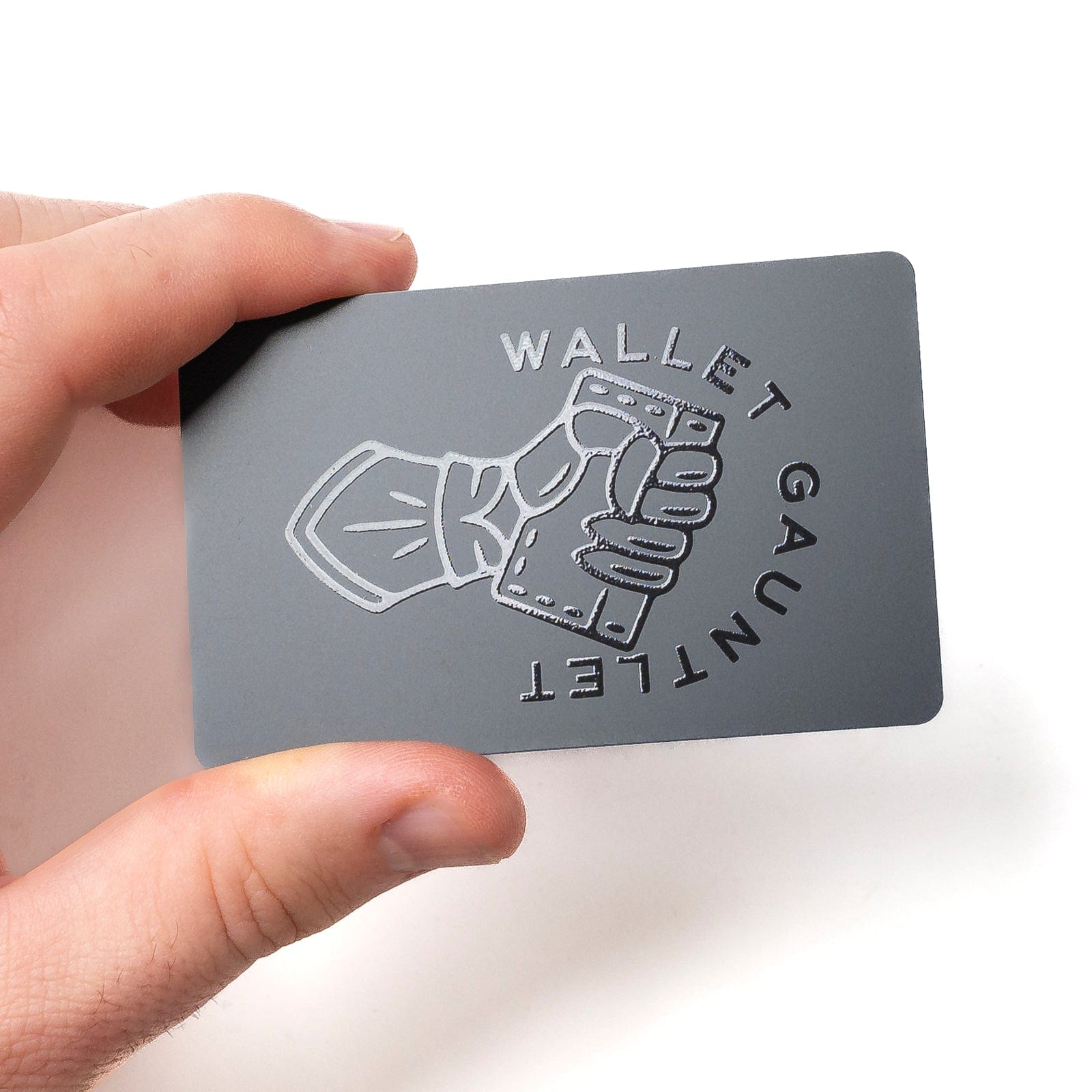
| RFID-blocking card insert | High | Seamless | Existing wallets |
| Standard leather wallet | None | Excellent | Nothing radio-related |
Sleeves are the definite preference for max portability, and also probably the easiest way to protect a single card you rarely pull out of your bag. In contrast, a metal wallet give you the best peace of mind for anything you carry but their bulk and weight often leaves your pocket while paying full price on that reliability. Blocking card inserts occupy the middle ground: these wallet-shaped shields use radio wave absorption or outright signal jamming to create a zone around nearby contactless cards, but their effectiveness really depends on where and how they are used. In the real world, sleeves and metal wallets tend to show more consistent performance for single cards than aone-for-all insert. And plain leather? It provides zero resistance to radio waves, almost regardless of how premium it looks or what price you paid for it.
Not everyone wants to buy new gear, and that's fair — your bank may already give you a way out. A growing number of issuers let you disable contactless payments with a few taps in their mobile app, or with a quick call to customer support. Do that, and the card simply stops responding to a tap reader, which removes the skimming surface altogether without any special wallet. Just know that not every bank offers the option, so it's worth checking before you count on it. If you'd rather leave tap-to-pay on, lean on your phone instead. Apple Pay, Google Pay, and Samsung Pay rely on tokenization, meaning a one-time virtual number stands in for your real card, and biometric authentication gates every transaction — so your actual card number never travels over the air. A couple of low-effort habits help too: choose an EMV chip transaction over a tap when you can, and slide a deactivated privacy card in front of your active cards so a would-be scanner reads the decoy first. None of these steps is bulletproof on its own, but stacked together they shrink your exposure with almost no inconvenience.
How to Test Your RFID Protection
Testing takes under a minute. Place an RFID-enabled card inside the wallet or sleeve, then bring the whole thing close to an RFID scanner or reader. If the scanner fails to pick up a signal from the card, the blocking material is doing its job. This is the same method described in RFID wallet guides, and it works with office badge readers, library scanners, or a cheap handheld RFID reader.
Run the test twice: once with the card inside the protection and once with it outside, so you know the reader is functioning and the difference is real. If the scanner still reads the card, check for gaps, an open flap, or a card slot that sits outside the shielded layer. Partial coverage is the most common failure point, and it is also the reason a blocking wallet can pass a quick test yet fail in a crowded bag where cards shift around.
Limitations of RFID Blocking: What It Can't Stop
RFID blocking is not a force field. It cannot stop short-range skimming at the moment you deliberately take the card out to tap, because you have removed the shield yourself. It cannot stop relay attacks operating from a distance, since those capture the signal when the card is exposed. And it does nothing against phishing, malware, or plain physical theft of the card.
Coverage gaps are the quiet failure mode. If a card sits partially outside the blocking material, there is still space for a scan, and quality varies widely across cheap products that may not block at all. Think of RFID protection as one layer among several: pair it with transaction alerts, mobile wallet tokenization, and a habit of checking terminals for tampering. For most people, that combination addresses far more real risk than the RFID threat alone.
Frequently Asked Questions
Does aluminum foil really block RFID signals from credit cards?
Yes. Aluminum foil is a conductive material that creates a Faraday cage effect around your cards, blocking radio waves. Wrapping cards in foil or placing a foil sheet between them is a quick, inexpensive method mentioned across multiple sources, though durability and full coverage matter. A card that pokes out of the foil can still be read.
How can I test if my RFID wallet actually works?
Place an RFID-enabled credit card inside the wallet, then bring the wallet close to an RFID scanner or reader. If the scanner fails to pick up a signal from the card, the blocking material is working. This test method is described in RFID wallet guides, and it is worth repeating with the card outside the wallet as a control.
Can I disable the RFID or contactless feature on my credit card?
Some banks let you turn off contactless payments through their mobile app or by contacting customer support. That eliminates the skimming risk without needing a blocking wallet. However, not all banks offer this option, so check with your card issuer before assuming it is available on your account.
Do RFID-blocking cards work as well as RFID-blocking wallets?
RFID-blocking cards are wallet-sized inserts that create a protective field around nearby contactless cards, working through signal shielding or jamming. Effectiveness depends on placement and quality, and sleeves or metal wallets may offer more consistent coverage for individual cards. Inserts are best for adding protection to a wallet you already like.